
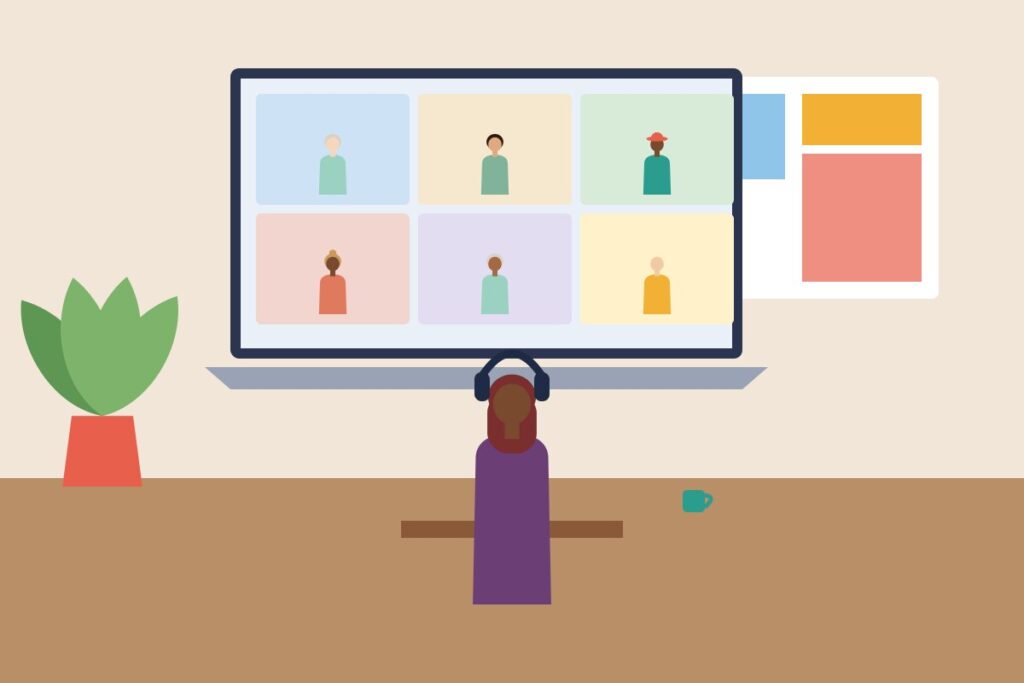
Video calls have become part of everyday work, yet many teams have never agreed how to run them. Without shared norms, calls can be tiring and awkward: people talk over one another, background noise interrupts, and no one is sure whether cameras should be on. A few simple habits can make a big difference, and the best way to establish them is to discuss them as a team.
Before the call
- Test your audio and camera if you are using them for the first time.
- Choose a quiet space and a tidy or blurred background.
- Close unneeded tabs and notifications, especially if you are sharing your screen.
- Join a minute or two early so you can start on time.
During the call
- Mute your microphone when you are not speaking.
- Look at the camera occasionally to create a sense of connection.
- Use the raise-hand feature or chat to avoid talking over others.
- Keep your attention on the meeting. People notice when you are distracted.
- Speak a little more slowly than usual, and pause for responses.
The camera question
Teams differ on whether cameras should be on. A reasonable approach is to encourage cameras for small conversations and relationship-building and allow people to turn them off for long calls or when they need a break. Research on video-call fatigue suggests that constant camera use can be tiring, so flexibility is kind.
Make space for everyone
Video calls can be hard for people with slow connections, different time zones, or caring responsibilities. Be understanding of interruptions. Share the agenda in advance and record the meeting, where appropriate, for those who cannot attend live.
Keep it human
Allow a few minutes at the start for informal chat, and avoid making the call purely transactional. A moment of warmth helps remote teams feel connected.
End well
Summarise actions, thank people, and finish on time. A prompt follow-up message reinforces what was agreed.
Good etiquette is a form of respect. Share this list with your team and agree on the habits that suit you.